Install the client, sign in and jump into the online world. The game files come inside the download, and the client tells you when a new version is out.
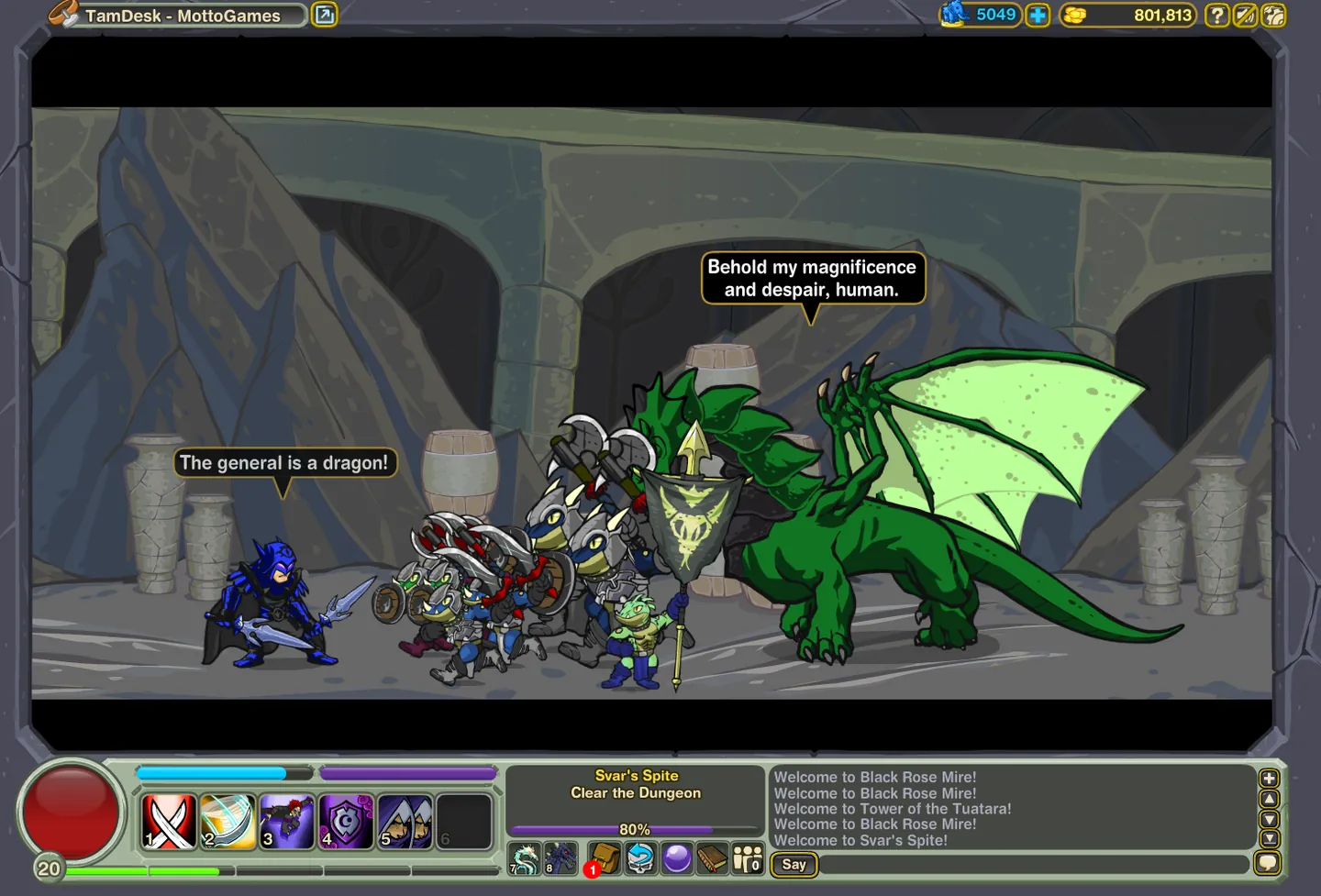
Dungeon Blitz is a fantasy action RPG presented by TamDesk. Download the client for your device to start playing.
About TamDesk
TamDesk is the video game studio presenting Dungeon Blitz. Find game updates and announcements on TamDesk - MottoGames on X.
Frequently asked questions
Can I play without downloading?
The game runs in the client for Windows or Linux, or in the Android app. The website provides the downloads and support pages.
Does the game work offline?
No. The game files are included, but signing in and playing need an active internet connection.
How do updates work?
The Windows and Linux clients download and install new versions themselves. The Android app shows a notice with a link to the new APK; install it over the old one and your account stays the same.
How can I check a download?
Each platform above lists the SHA-256 checksum of its current file. On Windows, certutil -hashfile Dungeon-Blitz-Setup.exe SHA256 prints the checksum of your copy; on Linux, sha256sum.
How do I play on Linux?
Download the Linux archive, unpack it (tar -xzf Dungeon-Blitz-Linux.tar.gz) and start the launcher in the unpacked folder. It needs a 64-bit desktop with Python 3. If the game window does not open, install the libraries Adobe's Flash player uses: sudo apt install libgtk2.0-0 libnss3 on Debian, Ubuntu or Mint.